
Mail, Settings and Feedback
Claim items from system mail, tune graphics and sound for your device, and send bugs or ideas to the dev team in-game.
This page covers the little systems that make playing more comfy ✉️⚙️
Mail (M key)
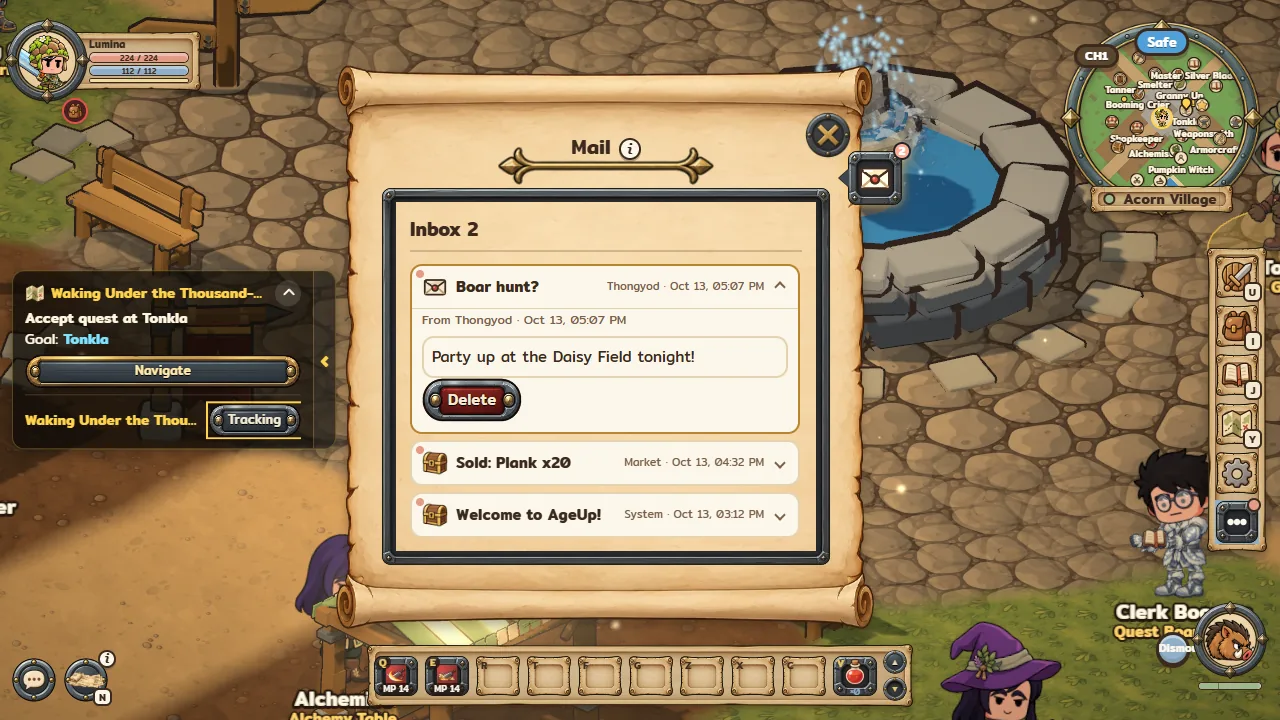
- For now the mailbox is used to receive system mail, like rewards or compensation from the team
- You can't send mail to other players yet (you'll see the message "Can't send mail yet")
- You can read mail anywhere, but to claim attachments you need to go to a mailbox in town
- New mail shows a red dot on the ⋯ menu button
Settings
General
- Show/hide hats and capes
- Show names for yourself, other players, and pets
- Links to the Terms of Service, Privacy Policy, and Refund Policy
- Update log shows the last 10 updates
- Log out
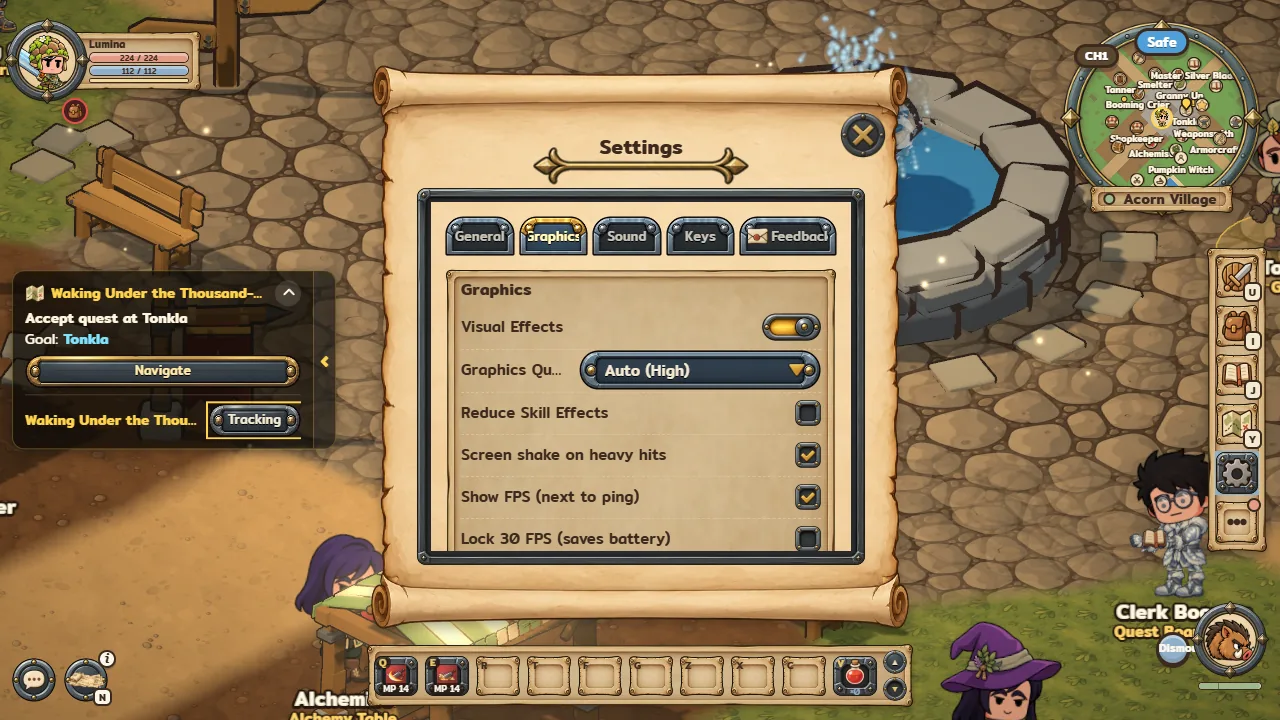
Graphics
- Graphics quality: Auto / High / Low (light devices)
- Reduce skill effects
- Screen shake on heavy hits
- Show FPS (next to ping)
- Lock 30 FPS (battery saver), great for mobile
Sound
- Mute all
- Adjust master / music / sound effects volume (saved separately on each device)
Send Feedback
The first tab in Settings is Feedback, which goes straight to the dev team
- Pick a category: Bug / Idea / Game Balance / UI / Hard to Use / Other
- Type the details (up to 1000 characters)
- Press Send
The map, your position, game version, and device are attached automatically so the team can track down fixes easily. You can send up to 5 per hour.
New Updates
When the game updates, a "Latest Updates" window pops up once so you can see what's new. Sometimes an event poster pops up too; press "Don't show again today" to hide it.
💡 Tip: If your phone gets hot or the battery drains fast, try Graphics quality "Low" and turn on "Lock 30 FPS"